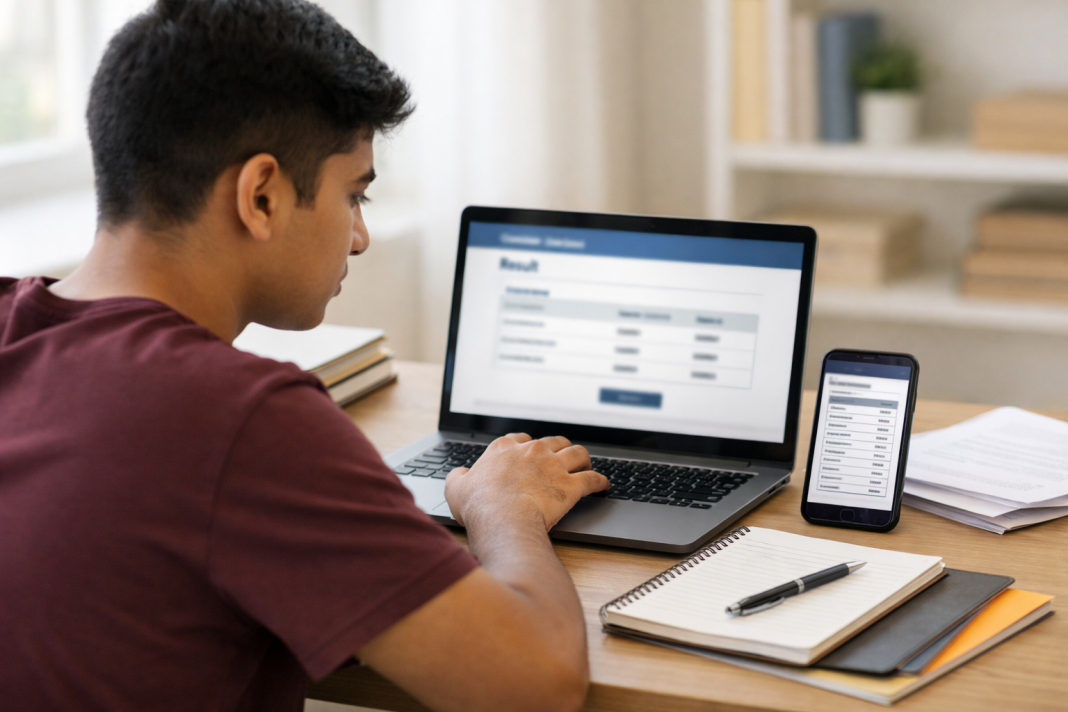

The CBSE Class 10 Second Board Result 2026 is expected shortly, leaving students and parents watching official portals closely. As of June 30, 2026, the Central Board of Secondary Education has not published a confirmed result time through its main website or verified social account. Students should avoid relying on viral screenshots claiming a fixed release hour.
Once announced, the result link should appear on the CBSE website, the CBSE results portal and the government-backed DigiLocker platform. DigiLocker will allow students to access their digital marksheet without waiting for the printed document from their school.
More than 6 lakh students reportedly opted for the second examination, while the exams were conducted from May 15 to May 21, 2026. Recent reports say the result is likely around the end of June, but CBSE has not publicly confirmed an exact release hour.
When Will CBSE Class 10 Second Board Result 2026 Be Released?
The CBSE Class 10 Second Board Result 2026 is likely to be announced soon. CBSE officials had earlier indicated June 30 as the target for completing and declaring the second examination results. Still, students should treat this as a target until the board activates the result link or issues a formal notice.
The second board examination is part of CBSE’s revised Class 10 assessment format. It gives eligible students another opportunity to improve their performance during the same academic year. Students do not need to wait for another full academic cycle to attempt better scores in permitted subjects.
The official CBSE X account previously shared information covering eligibility, subject options and other rules for the Class 10 Second Board Examination 2026. However, that post was about the examination process, not a final result announcement. Students should check the account for a fresh result post rather than trusting unofficial countdowns.
The sudden redirection of the CBSE result website to DigiLocker has also attracted attention. Several students assumed that the redirection meant the scores were already live. Reports clarified that no official declaration had been made at that stage.
How To Download The Scorecard From DigiLocker
Students can use the DigiLocker website or mobile application after CBSE releases the second board results. The process usually takes only a few minutes when the registered mobile number and examination details are available.
Follow these steps:
- Open the DigiLocker website or download its official mobile application.
- Sign in using the registered mobile number, Aadhaar details or existing DigiLocker credentials.
- Enter the OTP sent to the registered mobile number.
- Open the Issued Documents section after logging in.
- Select Central Board of Secondary Education from the available issuers.
- Choose Class X Marksheet or the relevant Class 10 result document.
- Enter the roll number, passing year and other requested examination details.
- Tap Get Document and save the issued marksheet inside DigiLocker.
- Download the PDF copy for admissions, school records or future reference.
DigiLocker’s official guidance states that CBSE students may use their registered mobile number, OTP and the final six digits of their roll number as the security PIN while activating an account. Issued Class 10 documents then appear in the student’s account.
Students who cannot locate the document immediately should wait for CBSE and DigiLocker to finish syncing records. Repeatedly creating new accounts may cause extra login trouble. They should instead confirm that the name, birth date and mobile number match their school records.
Which Details Should Students Check On The Marksheet?
Downloading the scorecard is only the first task. Students should read every entry before using the document for Class 11 admission, subject selection or another official process.
The CBSE Class 10 Second Board Result 2026 scorecard is expected to display the student’s name, parents’ names, roll number, school name, subject names, marks, grades and qualifying status.
Check These Entries Before Saving The Document
Students should compare the following information with their admit card and school records:
- Student’s full name and correct spelling
- Roll number and school number
- Date of birth
- Subject names and subject codes
- Theory and internal assessment marks
- Total marks or grades
- Result status
- Photograph or identification details, when displayed
A wrong name, incorrect birth date, missing subject or unexpected result code should be reported to the school. Students should not edit the downloaded PDF themselves. The school can explain the official correction process and communicate with CBSE when required.
The digital marksheet available through DigiLocker is an electronically issued academic document. DigiLocker also operates the National Academic Depository, where institutions can verify educational records.
What Students Should Do After Checking The Result
Students who receive improved marks should download the new scorecard and ask their school which marks will be used for the final academic record. Reports indicate that CBSE will apply the better-score principle, retaining the stronger performance from the two examinations where the rule applies.
Students who do not receive the expected marks should avoid making decisions based on social media advice. CBSE normally publishes separate instructions for post-result services, deadlines and applicable fees. These may cover verification, answer-book copies or re-evaluation, depending on the category of the examination.
Keep the admit card, downloaded scorecard and DigiLocker login details safely stored. Take a screenshot only as a temporary reference. For admissions, use the downloaded issued document or the certificate later supplied through the school.
Heavy traffic may slow the CBSE Class 10 Second Board Result 2026 portal during the first few minutes. DigiLocker, CBSE’s result website and the main board portal give students more than one route. Refresh at reasonable intervals instead of opening several tabs continuously.
The safest approach is simple: check CBSE’s verified channels, keep the roll number ready and download the scorecard only after the official link becomes active.
FAQs
1. Is The CBSE Class 10 Second Board Result 2026 Declared?
CBSE has not confirmed an exact result time; students should keep checking verified official portals.
2. Where Can Students Download Their Digital Marksheet?
Students can download the issued Class 10 digital marksheet through DigiLocker after CBSE publishes results.
3. Which Details Are Needed To Check The Result?
Keep the roll number, school number, date of birth and admit-card information ready before logging in.
4. Is A DigiLocker Marksheet Valid For Admission?
Yes, DigiLocker provides electronically issued academic documents that institutions can verify through official digital records.
5. What Should Students Do If Details Are Incorrect?
Report spelling, marks, subject or birth-date errors to the school for official correction support immediately.