
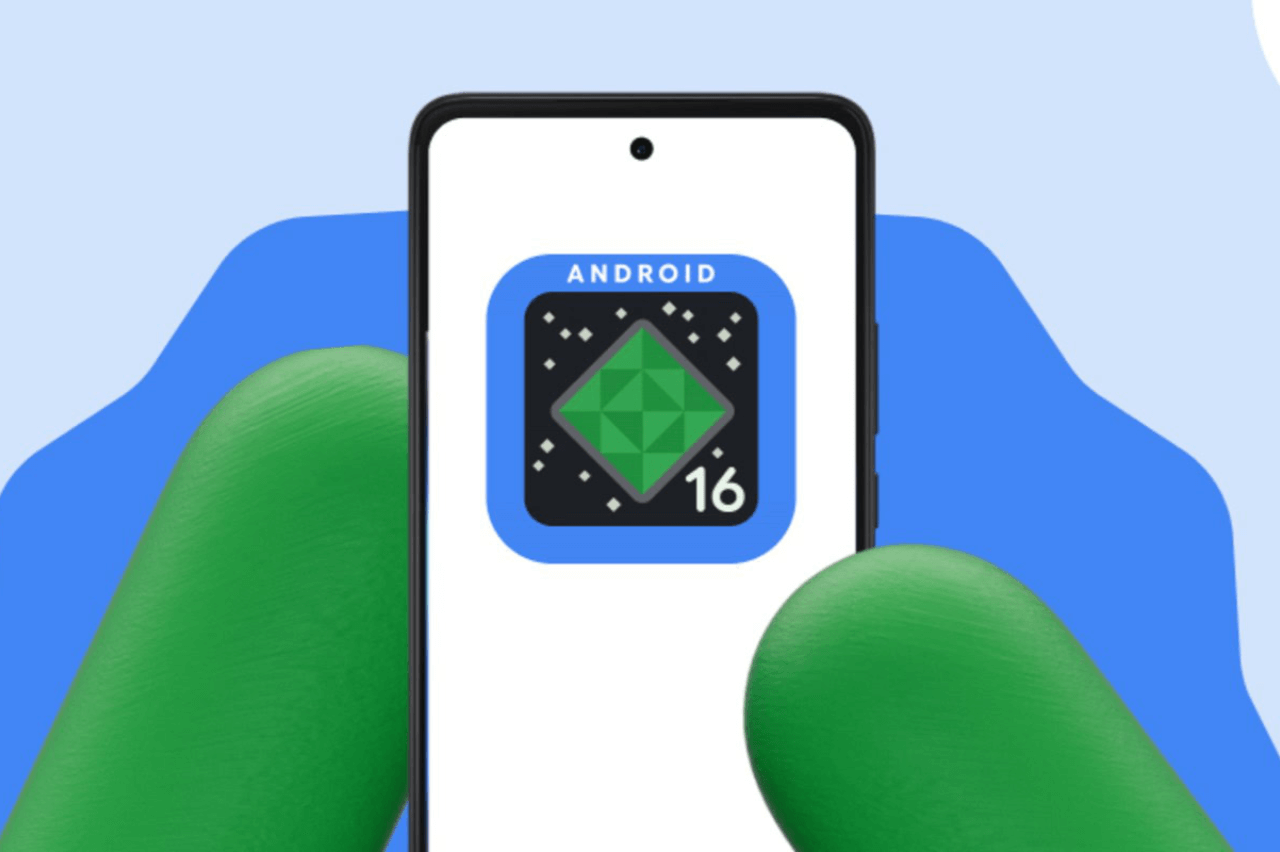
A late-night screen glow, one hand on the phone, OTA ping lands. Android 16 QPR2 is live, and the headline says it all: Google Rolls Out Android 16 QPR2, a major upgrade that brings new features to Pixel devices. Short download, clear steps, cooler phone after. That’s how it reads here. Technology Updates
What Is Android 16 QPR2?
Quarterly Platform Release, second wave for Android 16. A steady drop of features, not a full repaint. Built to add polish, reliability, small tools that save taps. The kind of update that sneaks into daily habits, then refuses to leave. That’s how it looks anyway. The focus sits on stability and user comfort, with a few quiet surprises tucked in.
Pixel Devices Eligible for the QPR2 Update
Google’s current and recent Pixel lines receive the rollout in phases. The list spans base, Pro, Fold, and tablet form factors. Regions differ. Networks too. Rollouts rarely arrive at the same hour. A shopkeeper in Kochi might see it by noon, while a coder in Pune waits till evening. That stagger is normal. Slightly annoying, yes, but normal.
- Pixel 6 series and Pixel 6a
- Pixel 7 series and Pixel 7a
- Pixel 8 series and Pixel 8a
- Pixel 9 family and foldable variants
- Pixel Fold and Pixel Tablet in supported regions
A few carrier variants trail by a day or two. Sometimes more. Reality check.
Key Features Introduced in Android 16 QPR2
New icon shape options settle visual monotony. Auto-themed icons fill gaps where app icons don’t match system style. Fresh HDR brightness control lets the screen hold highlights without looking harsh. Small things, big relief on hot afternoons. Lock-screen widgets return for quick peeks. That early train time, that timer, that note. Feels utilitarian, like a pocket diary.
Media routing gets cleaner paths for Bluetooth LE audio. PDF markup sits inside the default viewer, so quick edits don’t demand another app. Foldables see smoother transitions across displays. Tablet layouts behave better in split views. Nothing flashy, yet the edges feel softened. That’s often enough.
Interface, Lock-Screen and Usability Improvements
The interface trims friction in everyday touches. Long-press on an icon brings clearer shortcuts. The home layout stops shifting under quick drags. The lock screen responds with firmer haptics, the kind that says “tap registered” without being loud. People notice that stuff in crowded metros where attention scatters.
- Home grid stays stable during edits
- Lock-screen widgets for glance info
- Haptic feedback tuned for smaller taps
- Dark theme stretches deeper into third-party apps
- Volume panel links faster to caption tools
This feels like housekeeping done right. Not glamorous. Useful.
Security, Privacy and System Performance Enhancements
QPR2 folds in the routine security patch level and hardens sensitive paths like OTP retrieval and background permissions. Quiet guards. Performance management reduces hot spikes during rapid app switching. Games feel steadier after longer sessions. The charging curve stays cooler in short bursts, at least on test units here. That’s a relief on sticky afternoons in Chennai. Not perfect, but kinder.
Faces unlocking under dim light gets slightly quicker on supported models. Fingerprint prompts behave consistently on wake. The system network stack trims delays for known Wi-Fi profiles. These are the changes nobody brags about, yet everyone benefits from, daily.
Android 16 vs Android 16 QPR2: Comparison Table
| Area | Android 16 | Android 16 QPR2 |
| Icons & Theming | Limited shapes, mixed icon styles | Extra icon shapes, auto-themed fill-ins |
| Lock-screen | Basic clock, fewer quick views | Widgets, firmer haptics, faster glance info |
| Display Control | Standard brightness sliders | HDR brightness slider, deeper dark reach |
| Media & PDF | External tools often needed | Cleaner routing, built-in PDF markup |
| Foldables/Tablet | Occasional layout stutters | Smoother handoff, better split behavior |
| Security & OTP | Regular protections | Tightened OTP handling, trimmed background reach |
| Performance | Heat spikes under load | Smoother app swaps, cooler short charges |
Small deltas across the board. Add them up. It shows.
How to Install Android 16 QPR2 on Your Pixel
Go to Settings, then System, then System update. If the package sits in the queue, tap download. Keep the battery above fifty. Wi-Fi is preferred. Backups never hurt, even for a routine patch. Those five minutes feel longer than they are, so place the phone down and let it work. After reboot, let the system settle for a few minutes. Caches rebuild. Apps align. This patience avoids false alarms.
For beta channel devices, switch tracks only after reading the fine print. Rollbacks wipe data on most models. That’s painful on a busy week.
FAQs on Android 16 QPR2 Update
1. Does the Android 16 QPR2 rollout arrive for all supported Pixels on the same calendar day?
Rollouts move in waves across regions and carriers, so timing often differs by model and market.
2. Will Android 16 QPR2 improve battery life on older Pixel phones during peak afternoon heat?
Thermal behavior sees small gains under load, which can help the battery feel steadier in hot hours.
3. Are lock-screen widgets limited to first-party apps, or can third-party options show up too?
Widgets rely on app support, so first-party options appear first, then third-party ones follow over time.
4. Does HDR brightness control make a clear difference in sunshine on mid-range Pixel screens?
The control tempers glare and keeps highlights readable, so outdoor maps and photos feel less washed.
5. If an app icon lacks a themed design, will the system create an acceptable placeholder automatically?
Auto-themed icons cover missing designs to keep the home screen consistent without extra effort from users.