

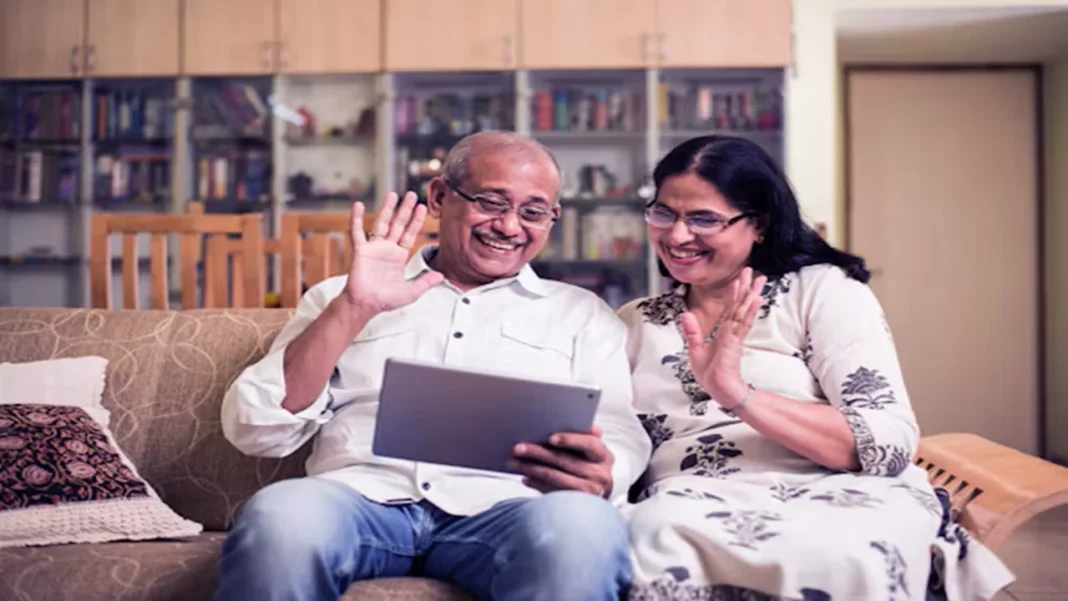

Pensioners can generate a Jeevan Pramaan Digital Life Certificate in 2026 using Aadhaar face authentication on a compatible smartphone. The Department of Pension & Pensioners’ Welfare will run its fifth nationwide assistance campaign from November 1–30, with face authentication as a main focus.
The department announced the campaign on October 30. Pensioners who need help can use assisted facilities, while eligible users can complete authentication at home without a separate fingerprint scanner.
Key Highlights
- Campaign dates: November 1–30, 2026
- Camps planned across 2,000 cities and districts
- Face authentication works on supported Android phones and iPhones
- Certificate generation and pension authority acceptance are separate checks
November Campaign Dates and Pension Submission Rules
The campaign targets 2.30 crore Digital Life Certificates, including 1.50 crore through face authentication. Those are targets, not completed submissions. The October 30 announcement names 19 banks and 785 district post offices among participating organisations.
SBI’s guidance, updated October 17, gives these opening dates for its annual submission cycle:
| Pensioner Group | Submission Opens |
| Aged 80 and above | October 1, 2026 |
| Below 80 | November 1, 2026 |
The campaign calendar does not replace pension scheme rules. Confirm the applicable submission requirement with the pension-paying bank or authority.
Jeevan Pramaan’s FAQ directs remarried and re-employed pensioners to conventional submission. They should contact their pension-paying agency about the required process.
What to Keep Ready for Face Authentication
The current Jeevan Pramaan download page lists Android 10 or above and iOS 14 or above on non-rooted devices.
- Install Jeevan Pramaan and AadhaarFaceRd from the official app stores, using the portal’s guidance
- Keep Aadhaar details, a working mobile number, and the Pension Payment Order number ready
- Have the pension account and correct sanctioning and disbursing authority details available
The phone’s camera captures the face. AadhaarFaceRd supports authentication, so installing Jeevan Pramaan alone does not complete the setup.
How to Generate the Certificate Using Your Phone
The official Android manual separates one-time operator registration from the pensioner’s authentication. The pensioner may act as the operator, or another person may assist.
- Complete operator identification using the requested details, OTP, and face authentication
- Open pensioner identification and enter the pensioner’s Aadhaar and mobile details
- Verify the OTP, then enter or review pension information, including the correct PPO and paying authority
- Review the preview, provide consent, and follow the face-scan instructions
- Keep the Pramaan ID displayed after successful certificate generation and sent by SMS
Face the camera and follow its positioning and blinking prompts. Someone helping with registration must still complete the pensioner’s own authentication separately.
Check Acceptance and Get Help When Needed
A Pramaan ID confirms certificate generation. The pension sanctioning or disbursing authority must still approve the submitted details.
Use the pensioner login to download the certificate and check its status. If an SMS reports rejection, contact the pension-paying agency, correct the particulars and generate a fresh certificate as advised.
Assisted services offer another route. An October 28 government announcement confirms doorstep support in Goa at ₹70, including GST, per successfully generated certificate, with no additional doorstep charge. That announcement concerns Goa; confirm local availability and charges elsewhere.
Start through the official Jeevan Pramaan portal, retain the acknowledgement and check acceptance after completing the Jeevan Pramaan Digital Life Certificate 2026 process.
FAQs
Is face authentication compulsory for pensioners?
No. Jeevan Pramaan adds a digital option to existing submission methods. SBI confirms that pensioners may still submit a physical life certificate if they prefer that route.
Can a family member help using their phone?
Yes. The official manual allows another person to act as operator. The pensioner must still provide their own details and complete the required Aadhaar authentication personally.
Do I need a fingerprint scanner for face authentication?
A separate fingerprint or iris scanner is unnecessary for the face method. A compatible phone uses its camera, with Jeevan Pramaan and AadhaarFaceRd installed for authentication.
Does the Pramaan ID remain valid for life?
No. Certificate validity follows the pension sanctioning authority’s rules. Once the validity period ends, the pensioner needs a new Digital Life Certificate with a fresh Pramaan ID.
Explore More: Pension Benefits, Government Schemes and Retirement Updates You Should Know!
1. UPS vs NPS: Which Pension Differs?
Explore the differences between the Unified Pension Scheme and National Pension System in 2026.
2. Can Pensioners Receive Benefits At Home?
Discover how doorstep pension delivery services work for eligible beneficiaries.
3. Who Qualifies For Atal Vayo Yojana?
4. How Does Atal Pension Yojana Work?
Find out how the pension scheme works, its benefits and the application process.
5. Will Pensioners Receive Higher DA Payments?